Audit Any Website's Consent Compliance in Seconds
ConsentLens checks Google Consent Mode v2, IAB TCF, CCPA, cookies and 10+ signals - directly in your browser. Free forever. No account needed.
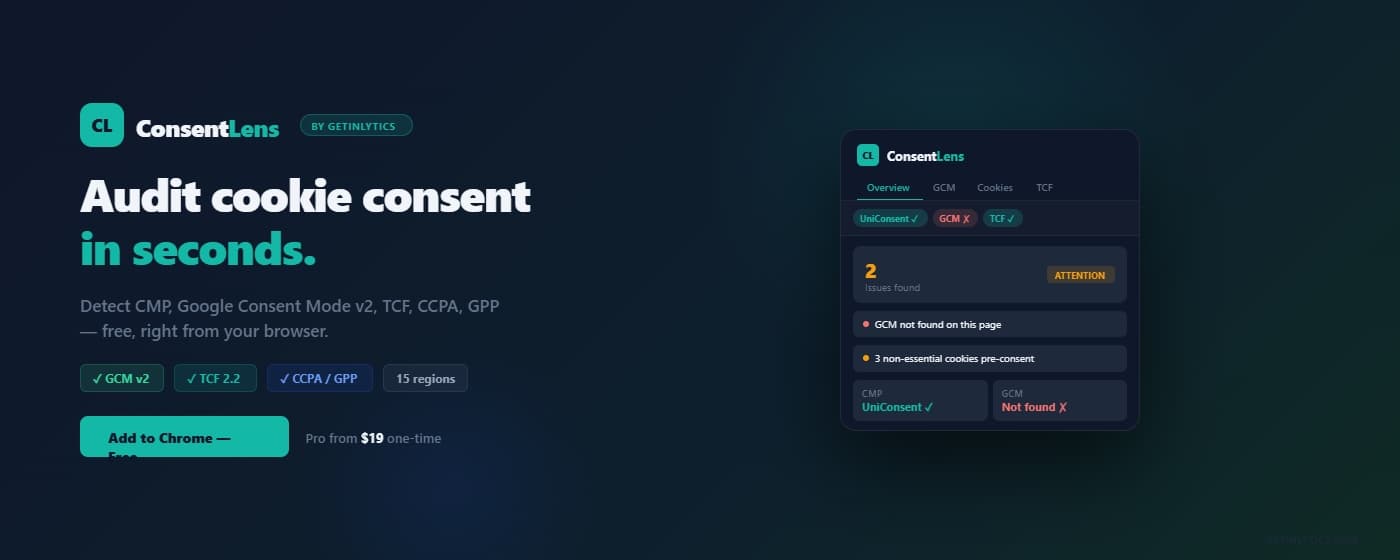
Non-compliance is expensive. Checking shouldn't be.
Four problems every developer, marketer and compliance team faces today.
Google Consent Mode v2 mandatory since March 2024
Google requires GCM v2 for all advertisers using GA4 or Google Ads in the EU. Sites without it lose conversion modelling and audience signals. Most developers do not know if their implementation is correct.
Cookie banners do not guarantee compliance
Having a cookie banner is not enough. Cookies can fire before consent, reject buttons can be hidden, and pre-ticked boxes are illegal under GDPR. You need to verify what actually happens on the page.
GDPR fines are rising
The EU issued over €4.5 billion in GDPR fines since 2018. The most common violation: cookies and trackers firing without valid user consent. Small businesses are not exempt.
Developer tools do not show consent signals
Chrome DevTools shows network requests and cookies but has no concept of consent mode, TCF strings, or GPC headers. ConsentLens fills exactly this gap.
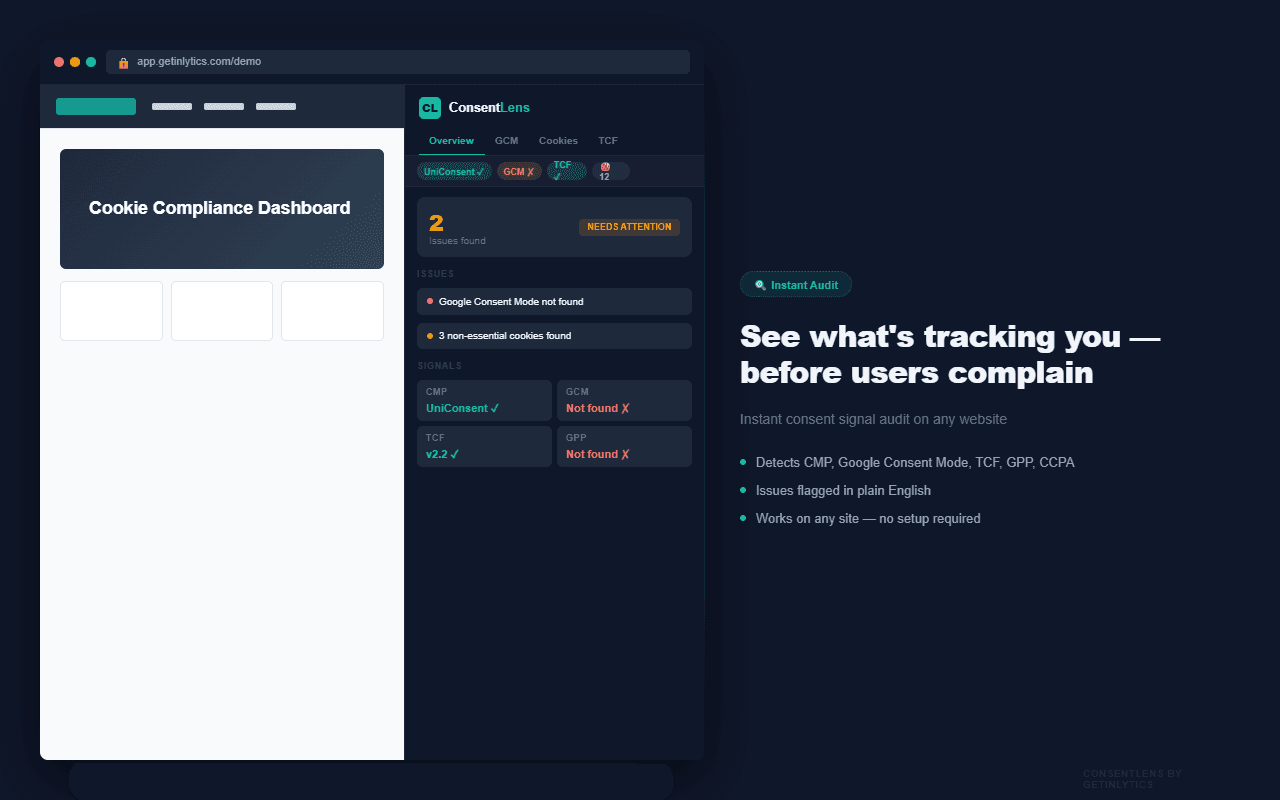
See every consent signal in one panel
Five tabs. Every signal. Works on any website, alongside the page you're auditing.
Three steps. Seconds.
No configuration. No account. No waiting.
Install the extension
Add ConsentLens to Chrome from the Web Store. One click. No account, no signup, no configuration. The icon appears in your toolbar immediately.
Visit any website
Click the ConsentLens icon. A side panel opens alongside the page - the same view you're checking stays visible while you audit it. Works on any website, any CMP.
Read your results
Eight tabs give you a complete picture: detected signals, compliance issues in plain English, every cookie classified, Google Consent Mode tag order, TCF purposes, and more.
Free forever. Pro when you need more.
One-time payment. No subscription. No renewal.
Free
$0
Forever. No signup required.
- CMP Detection - OneTrust, Cookiebot, Usercentrics, Didomi, TrustArc and 15+ more
- Google Consent Mode - v1/v2, all 7 signals, default and after-consent state
- Tags Loading Order - checks if consent default fires before tracking tags
- IAB TCF detection - presence and version
- IAB GPP detection - presence and version
- US Privacy / CCPA detection - __uspapi and usprivacy cookie
- GPC Signal - navigator.globalPrivacyControl value
- Full cookie list - name, category, vendor, expiry, SameSite, HttpOnly, Secure
- Cookie categories - Necessary, Analytics, Advertising, Functional, Unknown
- Overview issues list - plain-English detected issues
- Signal pill bar - at-a-glance status for CMP, GCM, TCF, GPP
- Region picker - test as EU / California / Global
Pro
$19
One-time. No subscription. Lifetime updates.
- Compliance rule checks - full pass/fail/warn per signal
- TCF full decode - all 10 purposes, vendor count, TC string
- US Privacy / CCPA full decode - raw 4-character string explained
- GPP sections breakdown - active sections, version
- HTTP security headers - Sec-GPC, CSP, Referrer-Policy surfaced
- Cookie CSV export - download for DPIA and client reports
- 2 devices per license key
Instant delivery by email · 2 devices per key
After purchase - how to activate your Pro key
Pro unlocks instantly. Here is exactly what happens after you pay.
Complete payment
Click "Buy Pro" and pay $19 via Razorpay. Supports international cards, UPI, netbanking and wallets.
Receive your license key
Your license key is delivered to your email immediately after payment. Check your inbox (and spam folder).
Open ConsentLens settings
Click the ConsentLens icon in Chrome, then click the Settings tab (the last tab in the panel).
Activate your key
Paste your license key in the activation field and click Activate. Pro features unlock instantly on this device.
Use on a second device
Each key allows 2 Chrome installs. Repeat steps 3-4 on your second device - same key, same email.
Settings tab - where you enter your key
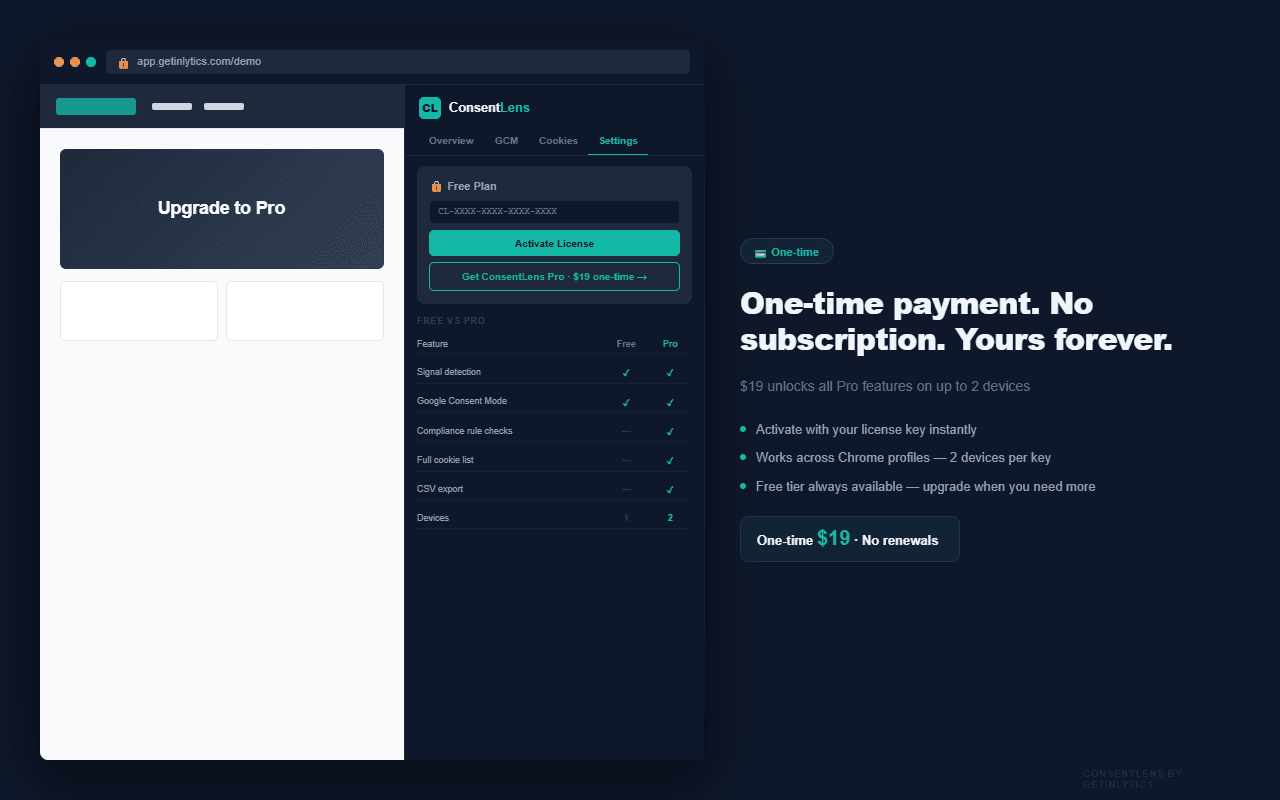
What unlocks with Pro
Compliance Rule Checks
Full pass/fail/warn per signal - GCM default state, consent-before-tracking, TCF validity, GPC honored, cookie pre-consent.
TCF Full Decode
CMP name, gdprApplies flag, all 10 TCF purposes with granted/withheld status, special features, vendor count, and TC string.
CCPA / US Privacy Decode
Raw 4-character string decoded - version, explicit notice, opt-out of sale, LSPA signatory flag explained in plain English.
GPP Sections Breakdown
Active GPP sections, GPP string, and version - the unified consent signal replacing TCF and US Privacy separately.
HTTP Security Headers
Sec-GPC, Permissions-Policy, Referrer-Policy, and Content-Security-Policy surfaced in the GPC tab.
Cookie CSV Export
Download all cookies with full details as a CSV file. Includes name, domain, category, vendor, expiry, SameSite, HttpOnly, Secure flags. Ready for DPIA and client reports.
Who uses ConsentLens
Built for anyone who needs to verify consent signals without writing code.
Web Developers
Verify your GCM v2 implementation is correct before going live. Check that consent default fires before any tracking tags. Catch pre-consent cookie fires in development.
Privacy / Compliance Officers
Audit third-party sites, client sites, or your own properties for GDPR, CCPA and TCF compliance. Export cookie lists as CSV for Data Protection Impact Assessments (DPIA).
Digital Marketing Agencies
Check every client site before and after CMP changes. Show clients exactly which cookies are firing and whether they're compliant. Use the CSV export for compliance reports.
SEO and Analytics Teams
Verify Google Consent Mode v2 is properly implemented so GA4 conversion modelling works correctly. Check that analytics_storage and ad_storage defaults are correct for your region.
DPOs and Legal Teams
Quickly verify a site's consent signals without needing developer access. Plain-English issue summaries require no technical knowledge to interpret.
Frequently asked questions
Start your first audit in 30 seconds.
Free forever. No signup. Works on any website.